- Solutions
-
- File Server: Ransomware Protection
- File Server: File Copy
- File Server: Audit File Access
- File Server: Storage growth reporting
- Licensing/Pricing
- Contact

This help page is for version 10.0. The latest available help is for version 10.2.
You can use Single Sign On to log in to the web interface of PA Server Monitor. This works by your browser communicating with Active Directory and providing a token that authenticates you to PA Server Monitor. At this time the Console does not support Single Sign On.
There are some prerequisites for Single Sign On to function properly:
With the above in place, set this registry value on the Central Server:
HKEY_LOCAL_MACHINE\software\PAServerMonitor
Auth_OfferSingleSignOn = 1
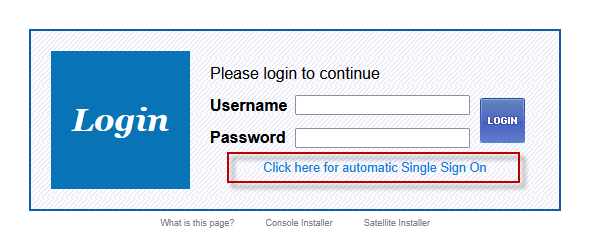
The service does not need to be restarted after making this change. Once the change is made you will see a Single Sign On link on the web interface's login page.
Note that Two Factor Authentication (2FA) will not be used (even if an account is set up with it) when signing in via SSO.