- Compare Editions
- Product Information
- Pricing/Licensing
- Resources
- Support
- Contact


Key Features:
Monitor Windows, Linux, network devices, etc.
Agentless monitoring from a service
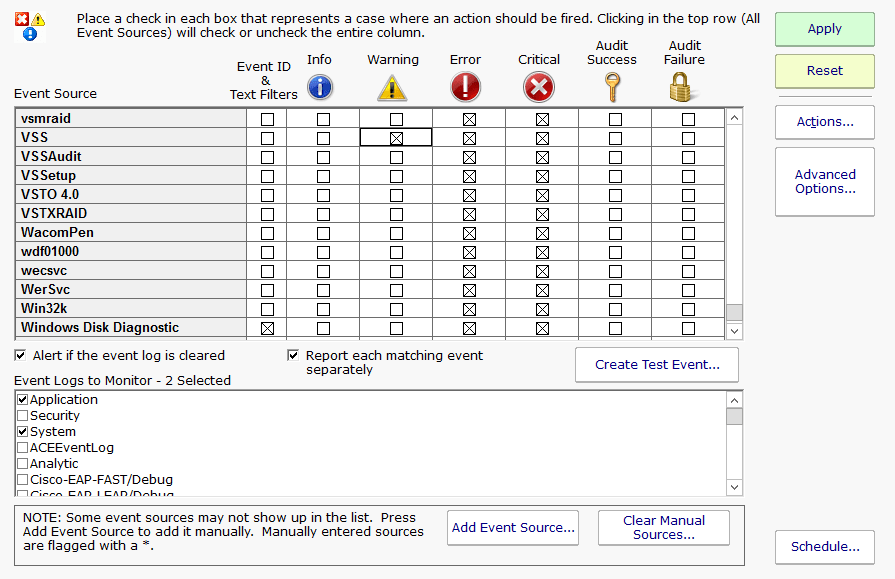
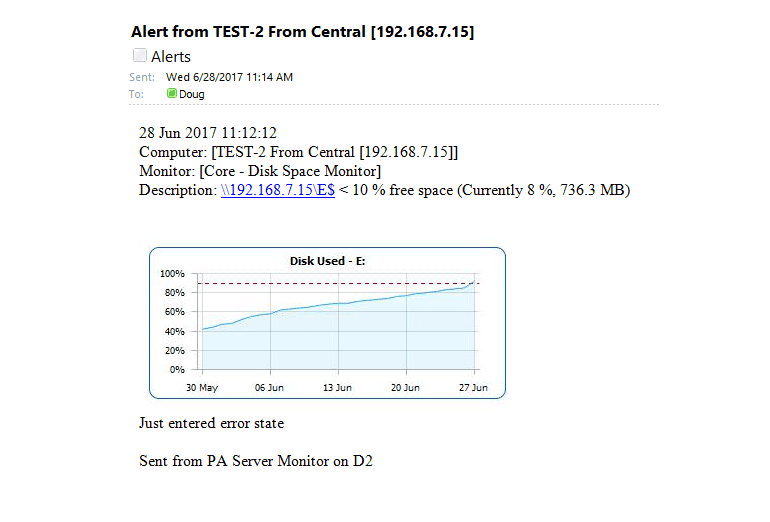
Ping, CPU, memory, disk, SNMP + traps, events, ...
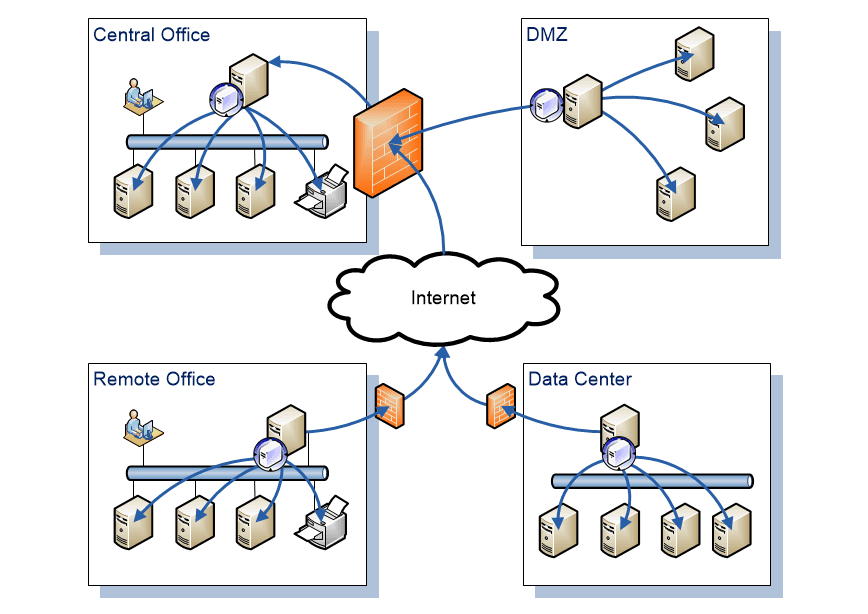
Remote monitoring through outgoing port 443
Built-in secure remote server access
Simple: Customers love this product :)
PA Server Monitor beats the competition in power, robustness, ease of use, and more.
Robust security, your data stays on your servers
Automatic failover with a hot standby server
Access control to limit who sees what
Event Deduplication, Event Escalation, and Alert Suppression so you see what is most important
SNMP, Traps, Syslog and more to support a diverse computing environment
Backup SMTP server settings to help ensure alerts get out
Optionally store monitor data in Microsoft SQL Server
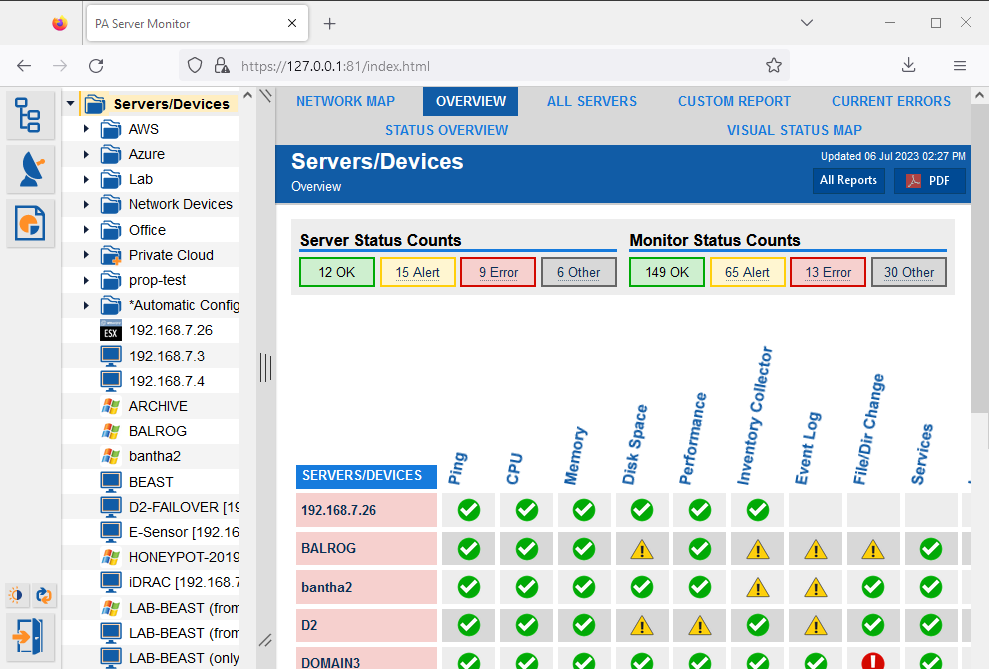
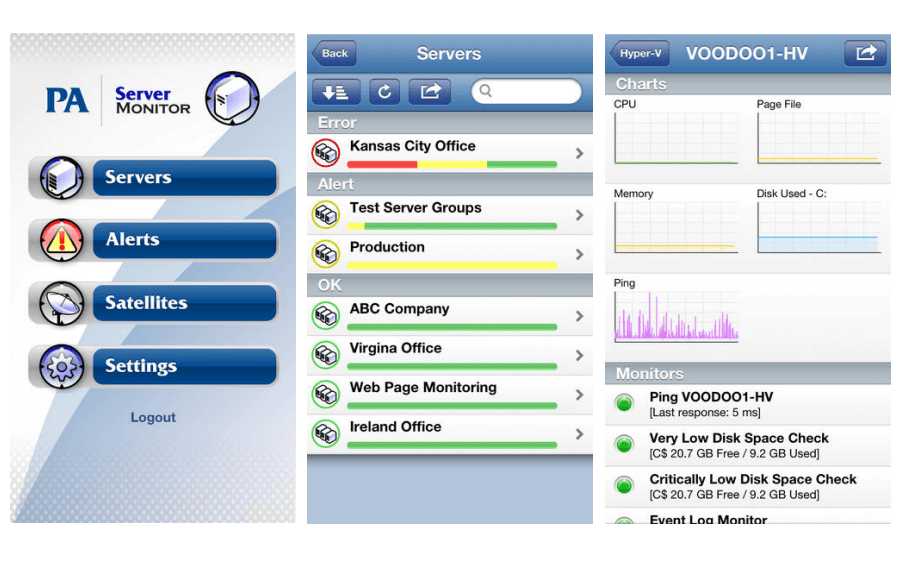
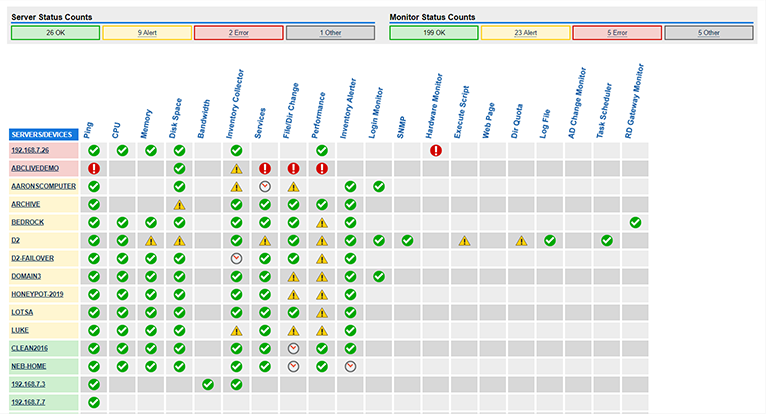
See everything, even remote sites, on a single pane of glass
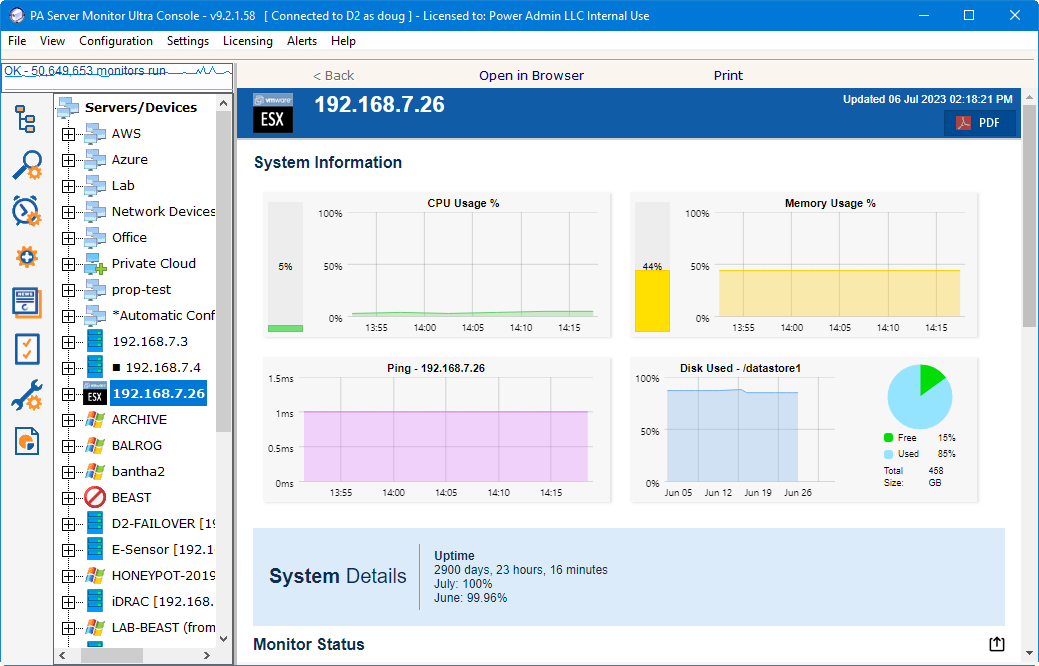
Click to see a demonstration of an active system.
There are four product editions of PA Server Monitor.
Which suits you best? Click here to see!
That's how long it takes on average to download, install AND configure the FREE trial of our server monitoring software. See for yourself how PA Server Monitor suits YOUR needs perfectly! Download and put us to the test right now.
Centrally monitor remote customer sites
Requires no incoming ports in customer firewalls
Safely connect to customer servers without purchasing additional tools
Low subscription pricing (optional)
Not cloud based, so your customer data stays at your site
Attractive reports that can be sent to customers
Give customers web-based access to just their reports with Access control
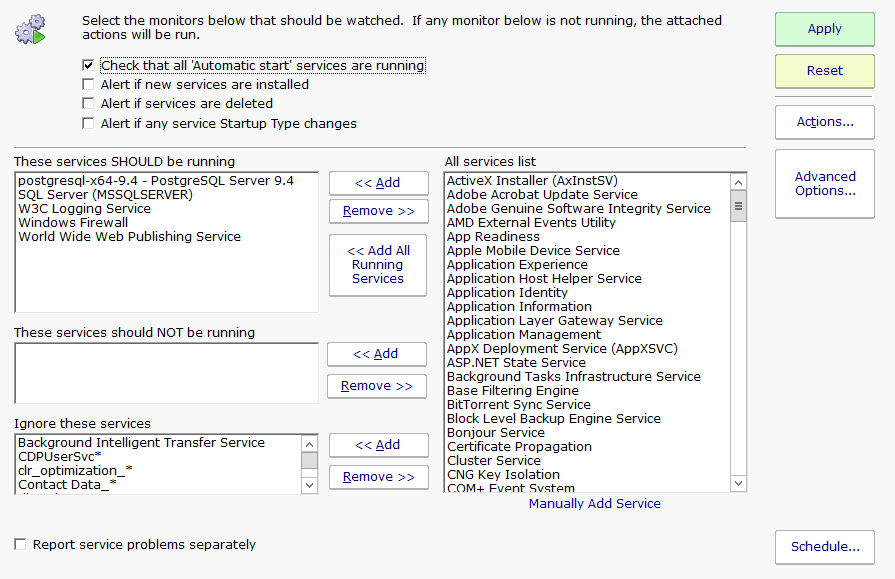
Monitor many types of server and network resources with a variety of monitors.
Monitor 1000+ servers/devices from a single installation, and more via Satellite Monitoring Services
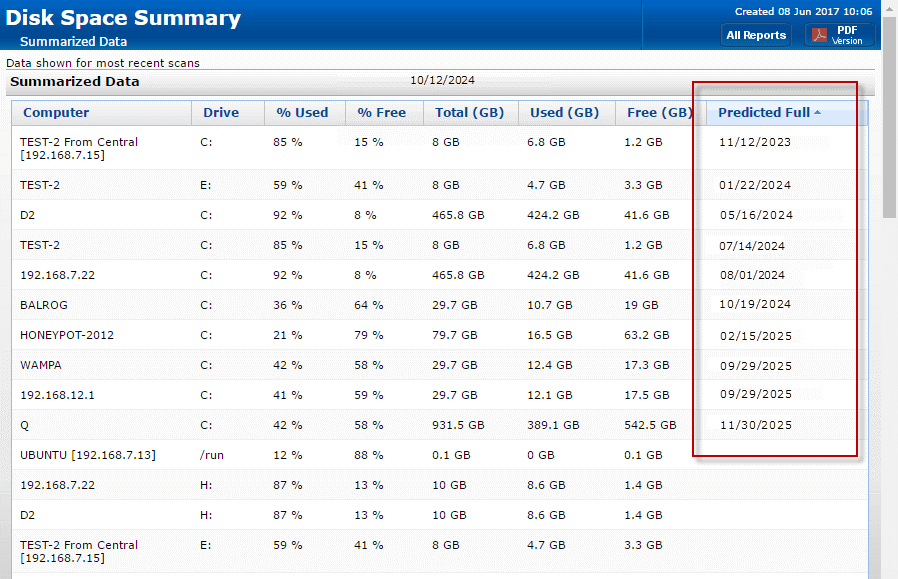
Status reports for servers/devices, group summaries, uptime, and historic stats. Reports are viewable via HTTP, can be password protected, and delivered via email.
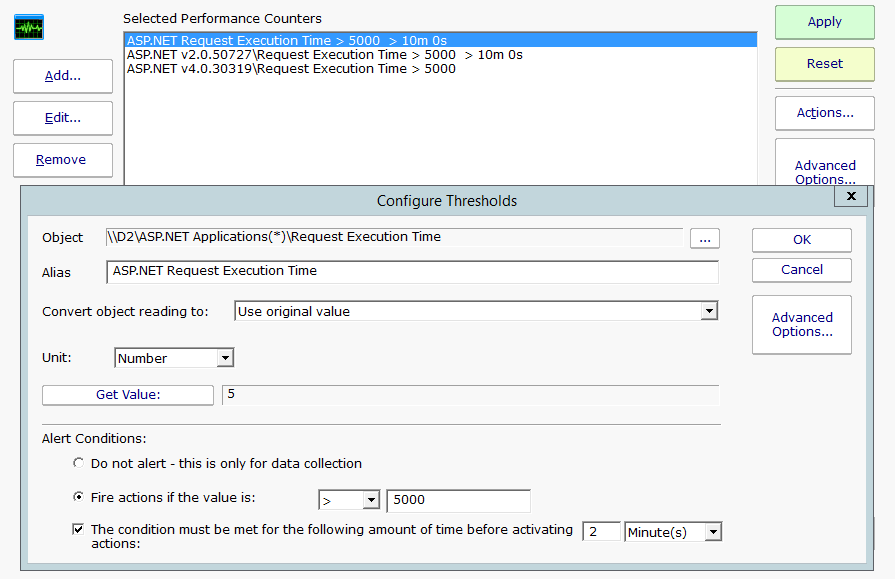
Customizable email, SMS and other notification types. Suppress and escalate certain notifications. Automatically restart services and run custom scripts.
Supports full monitoring of remote offices/locations, across firewalls, including across the Internet without a VPN or needing to open the remote firewall [Available in the Ultra edition]
Nothing needs to be installed on monitored servers.
Change individual monitor settings, poll cycles, alerts and reports
Make sure problems don't slip through the cracks with error auditing, and audit reports
Speed configuration activities by making broad configuration changes to many servers/devices with just a few mouse clicks
Smart Config can quickly create and customize default monitors for a list of computers that you can simply paste into the Console. Or let the Discovery process find servers with a Ping sweep.
Automatically stop monitoring during scheduled maintenance windows, and then automatically start again
Only pay for what you use. And take advantage of possible tax benefits by moving capital costs to operating expenses.
“We appreciate all your hard work and dedication to getting the problem resolved. Wish more companies had the support that you guys offer.”
Todd W., Beasley Allen, USA